
Built by glaziers for glaziers.
Manage glass and glazing admin with ease.
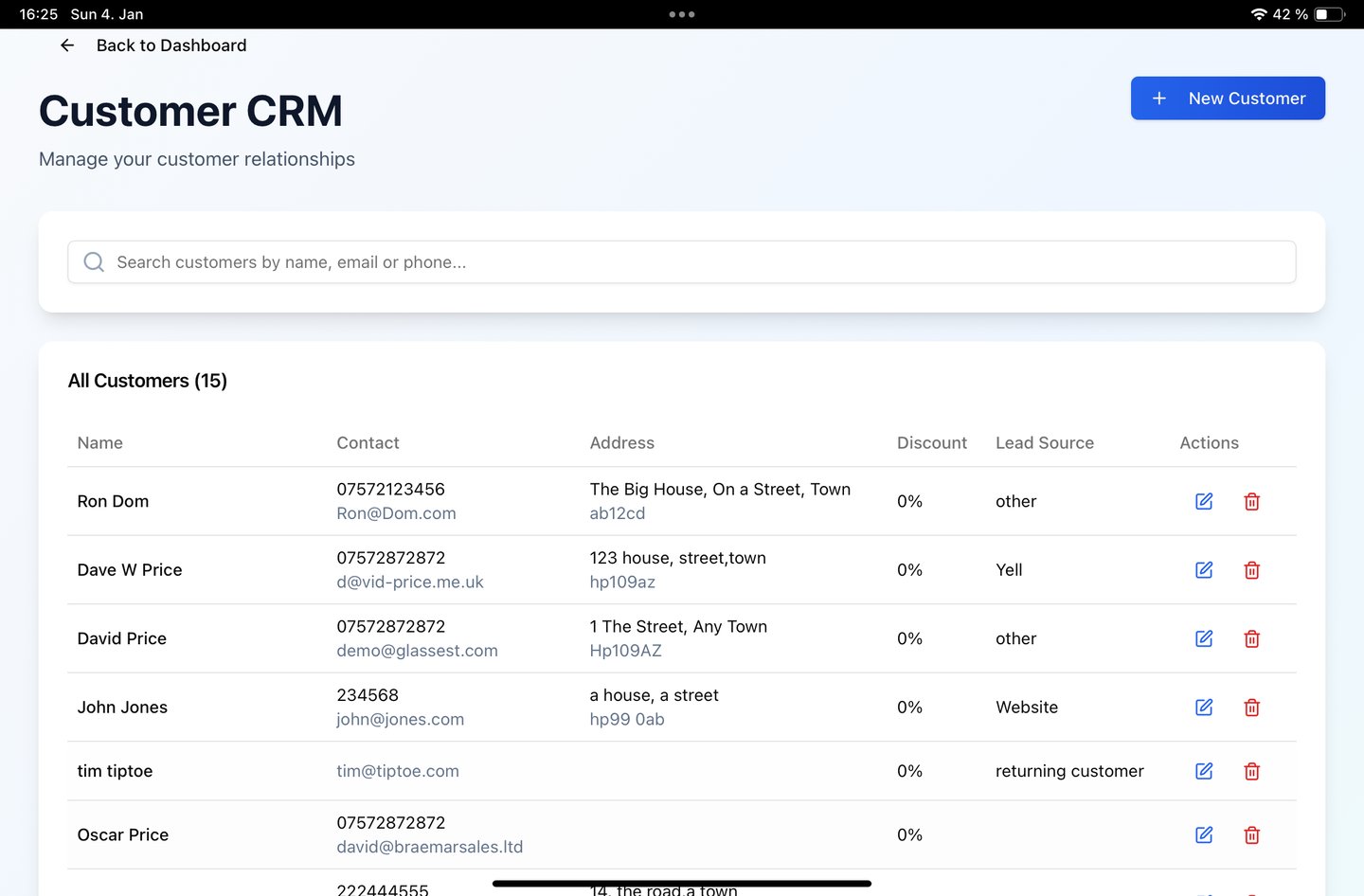
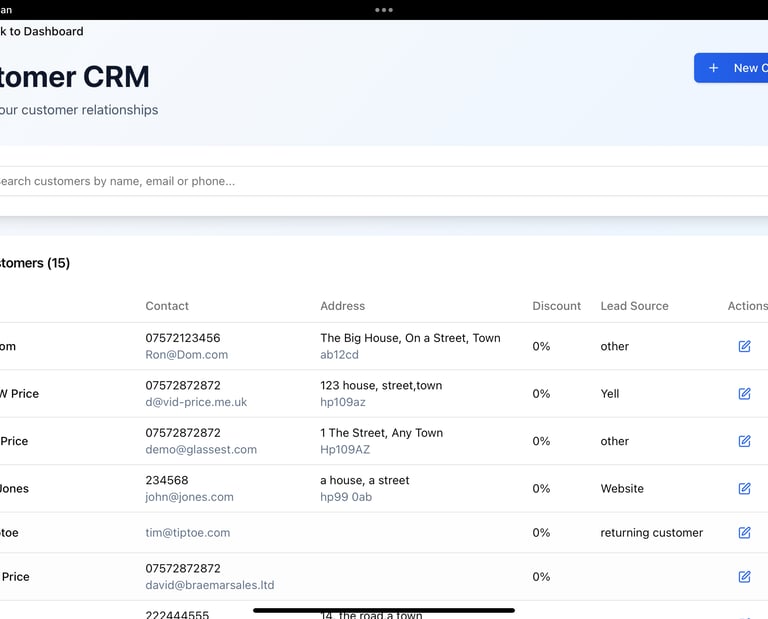
Customer CRM
Keep tabs on every step from quote to invoice, ensuring nothing is missed, allowing you to focus on your business.
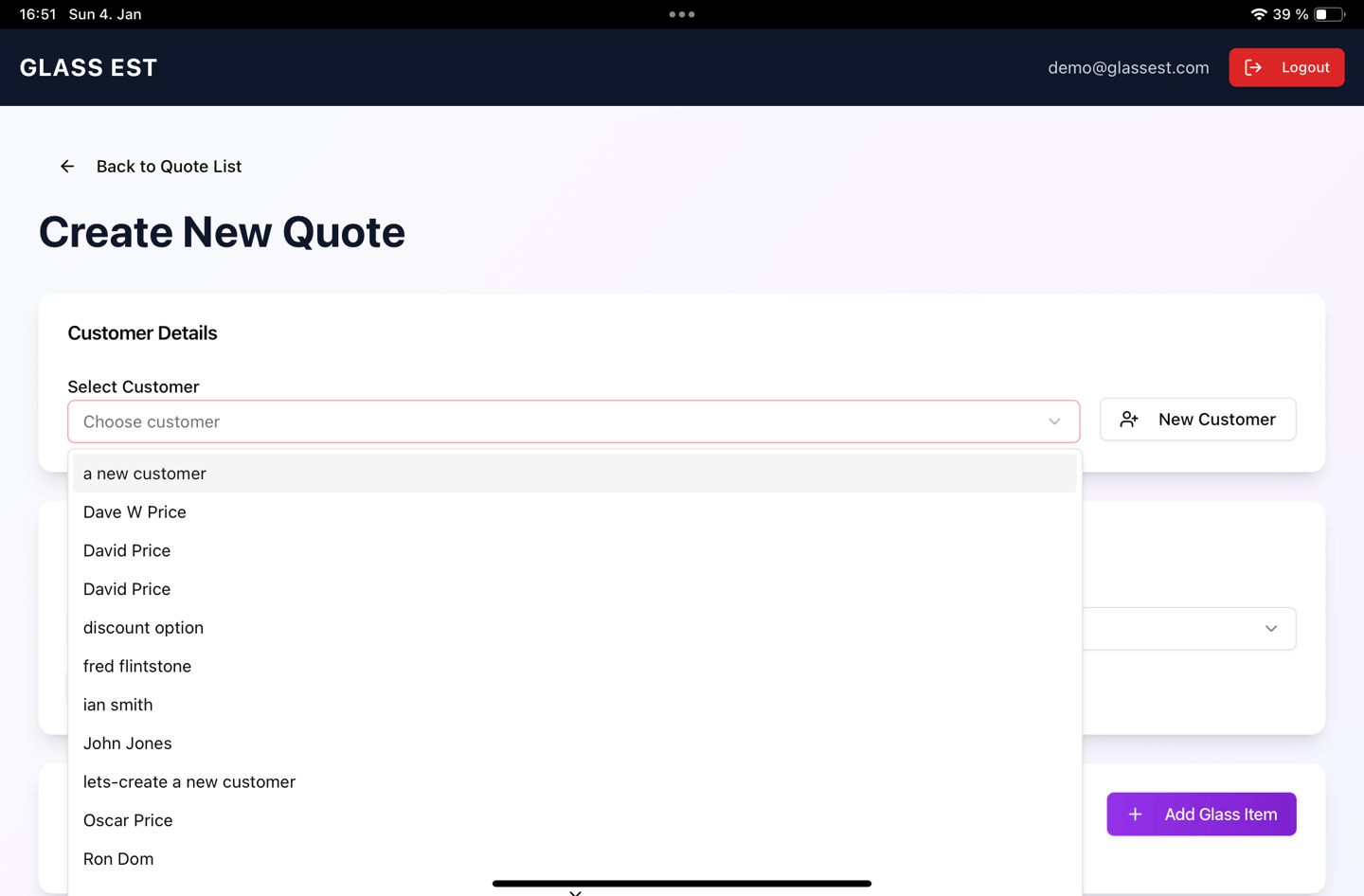
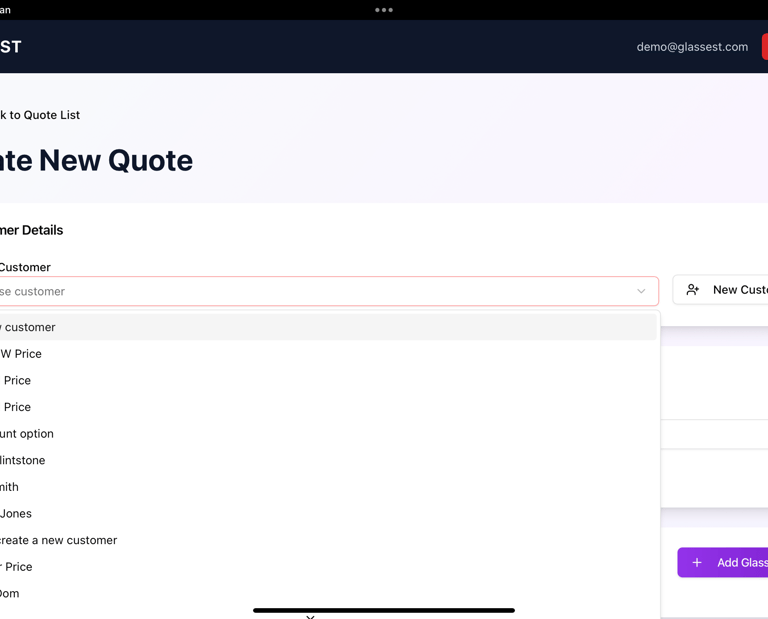
Quotations
Easily raise a quote for a customer face to face or on the phone. All quotes are prepared from up todate data for pricing any type of glass, whether single, double or triple glazed, plus options to add additional hardware, such as handles and hinges
Glass Est is designed to calculate the costs based on your requirements. Mark ups from cost, call out fees, glazing per m2 and one off charges are all incorporated in the programme to allow for full felexibility in preparing a quote.
Sales Tracking
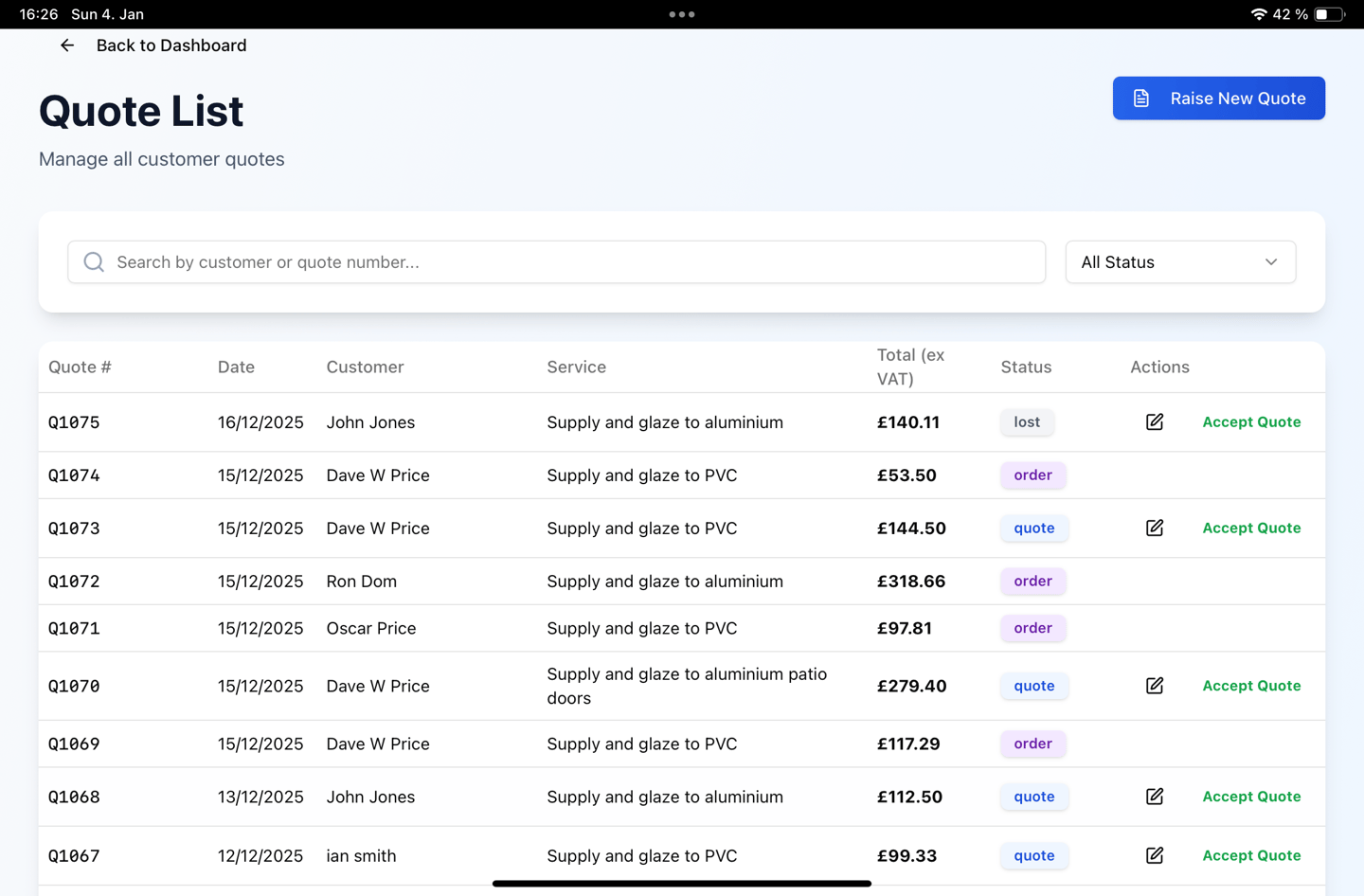
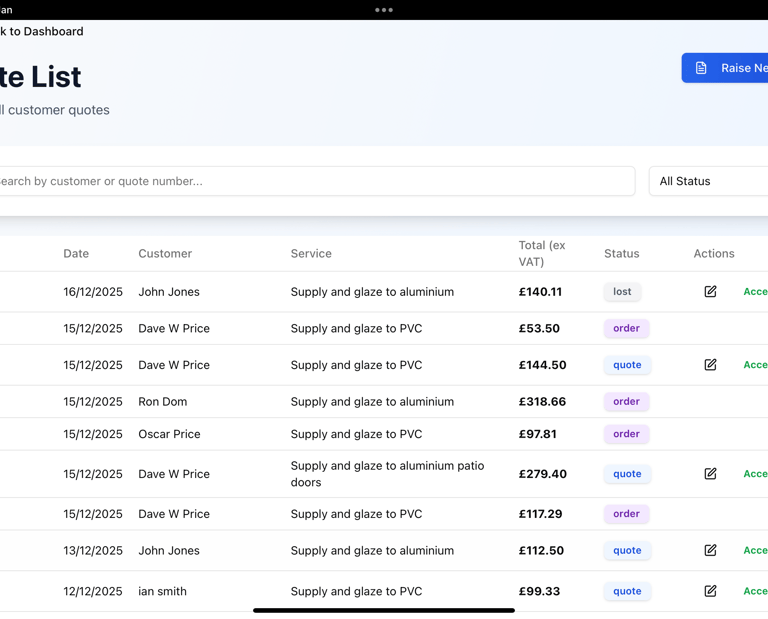
Using the customer CRM you see at a glance the status of every client. All quotes can be accepted by the customer simply by clicking the accept button on their quote. This will then notify you of a new order and move the quote to the job file as pending measure.
Site Measure
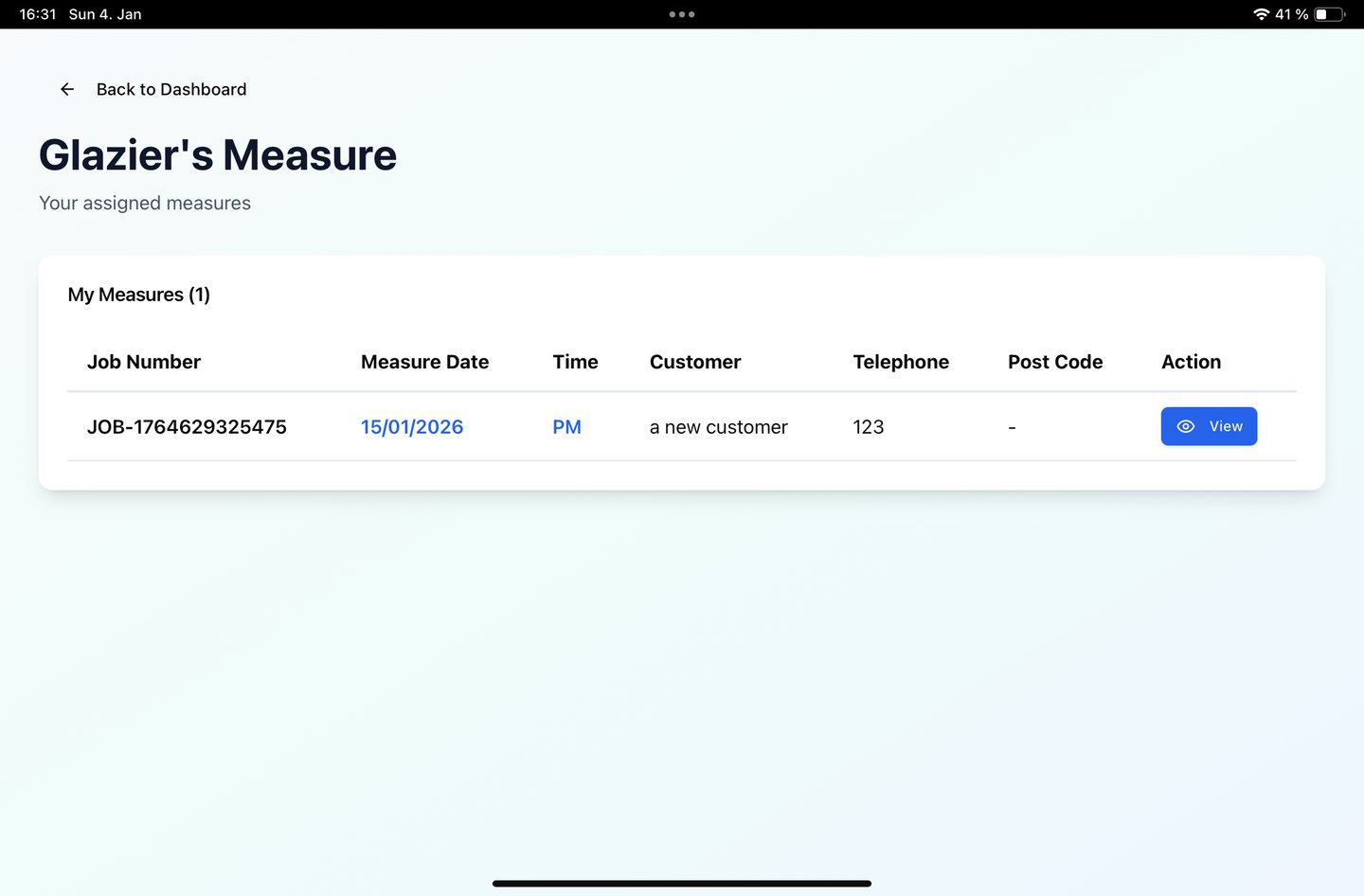
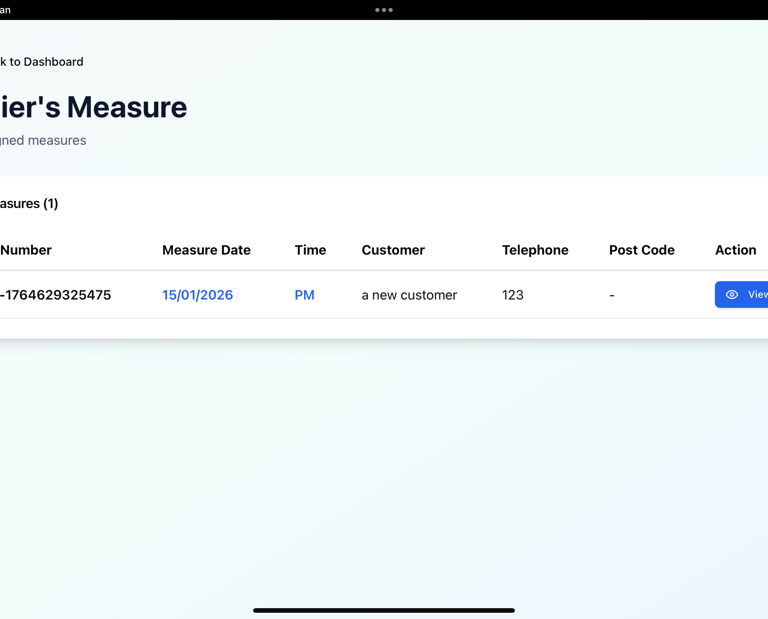
Easily schedule and track your appointments for measuring, assign measures to different glaziers. Each glazier has their own diary to show their work.
Material Ordering
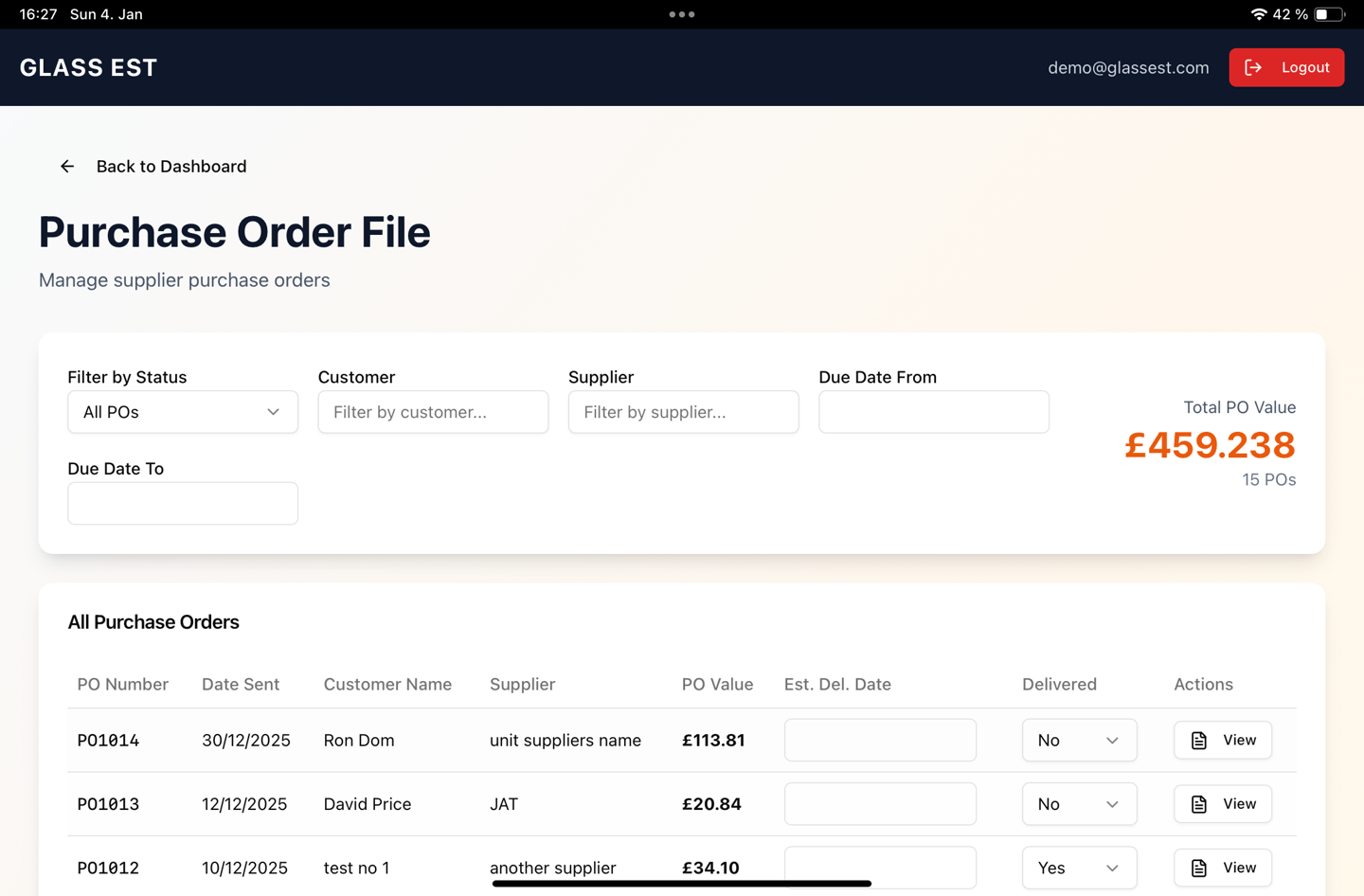
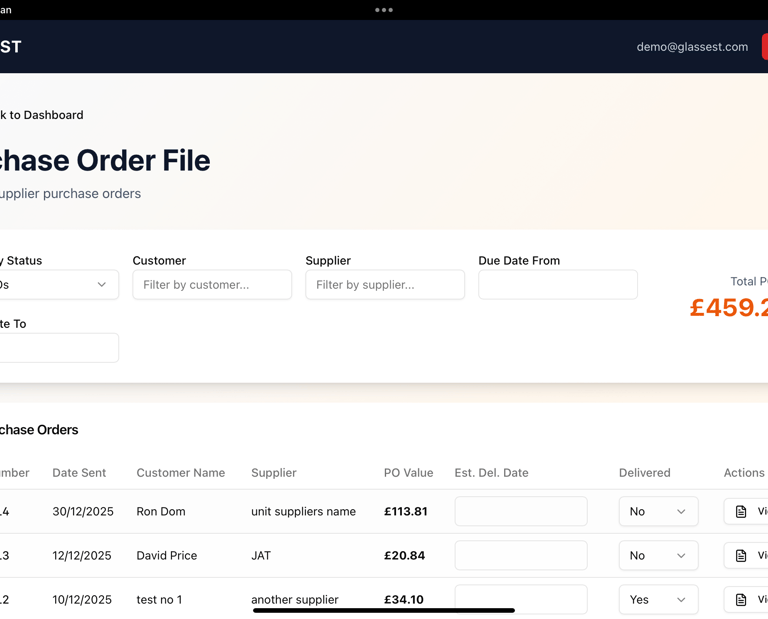
Create multiple purchase orders with a tap of the finger or click of the mouse. Once a job has been measured and signed off as correct, it is quick and easy to order the materials needed to carry out the job.
Job Planning
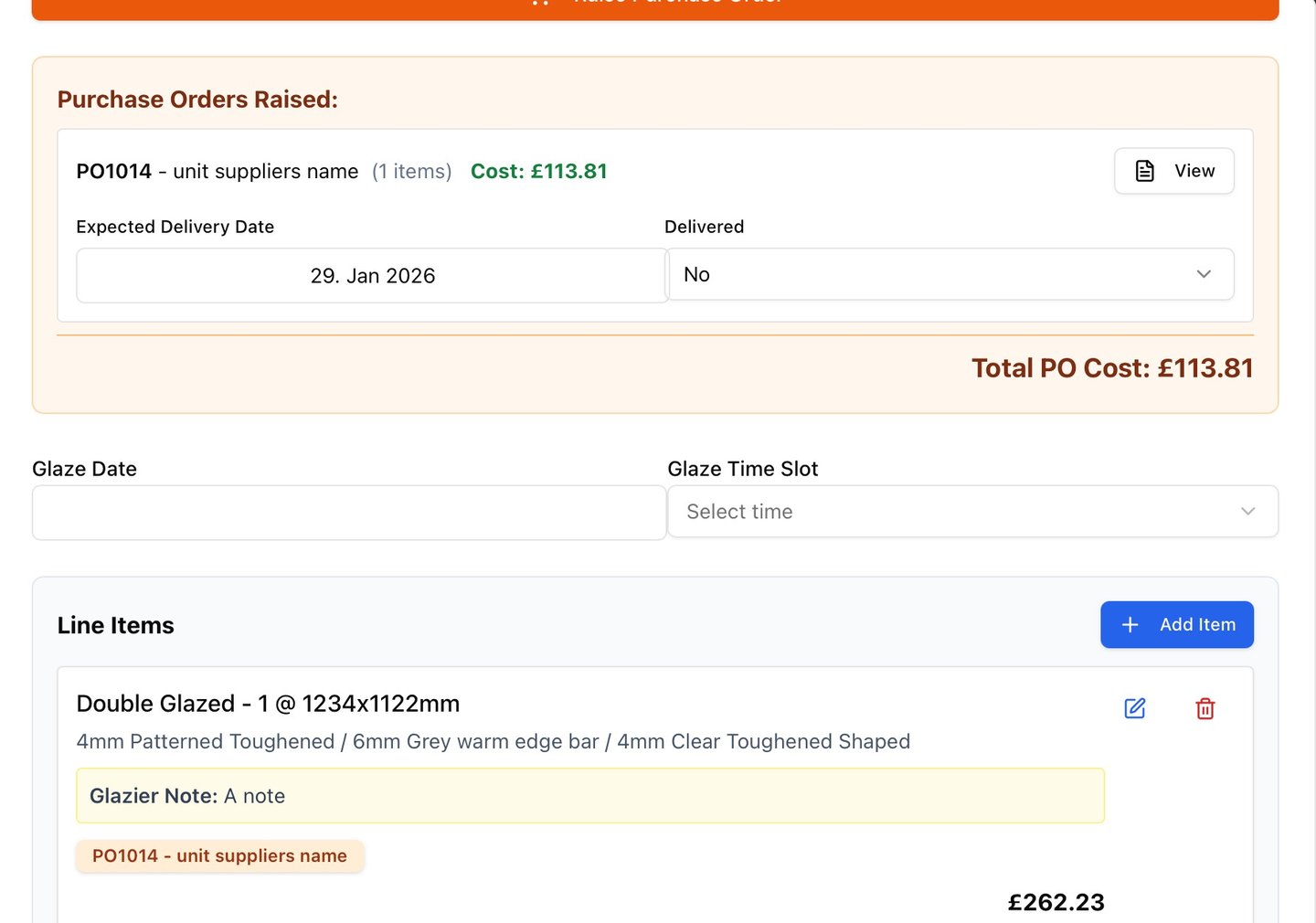
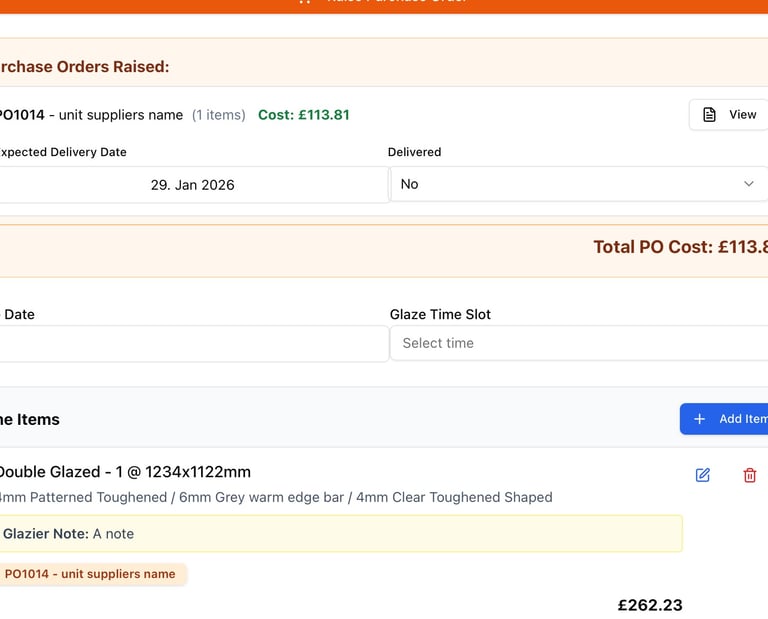
Each job file holds all the details of the purchase orders raised to carry out the work, with the option to flag suppliers' delivery dates for each order, thus when the client calls it's just a quick lookup to see when the materials are due then an installation date can be agreed upon and booked into the job file.
Invoicing
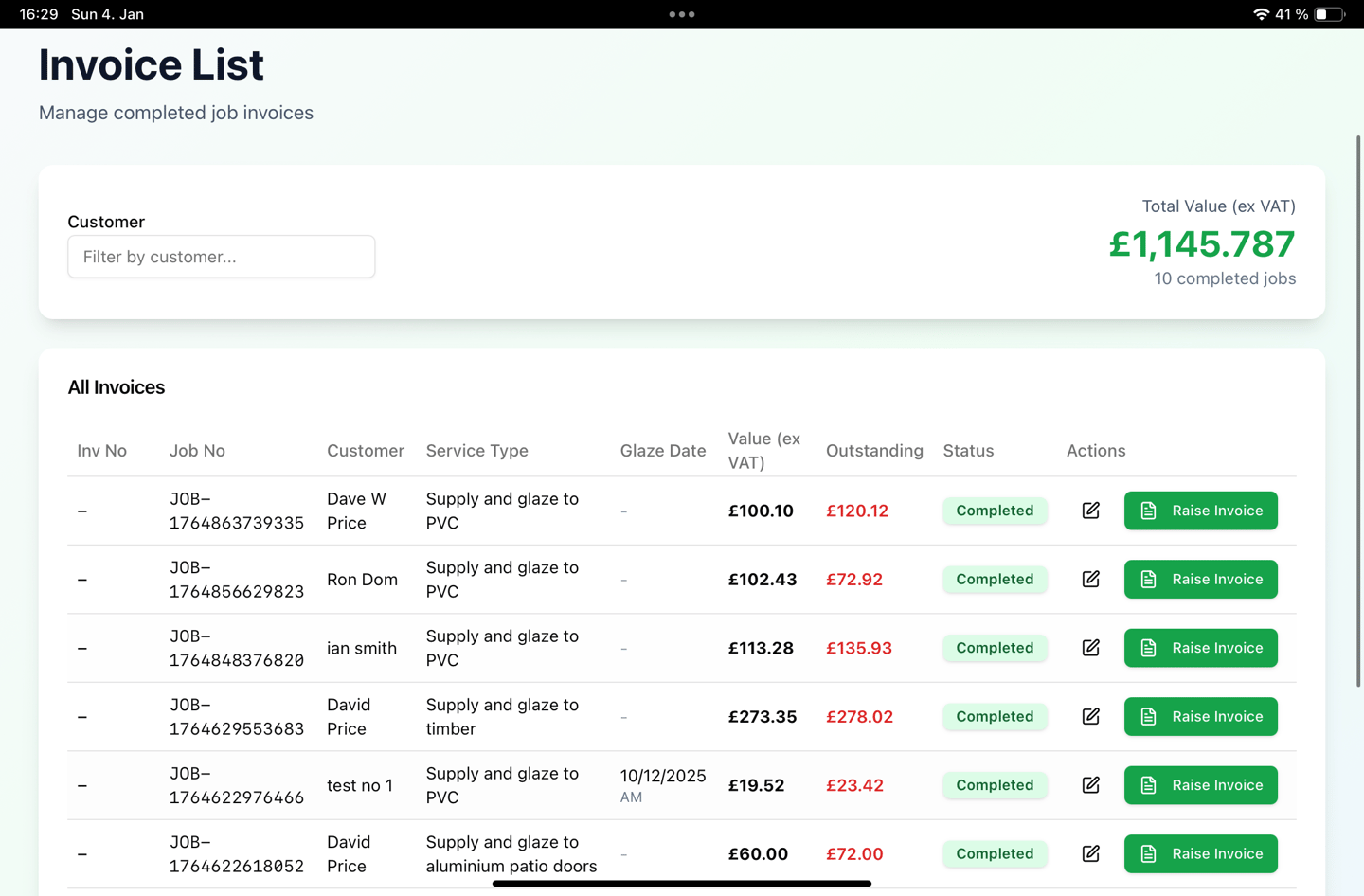
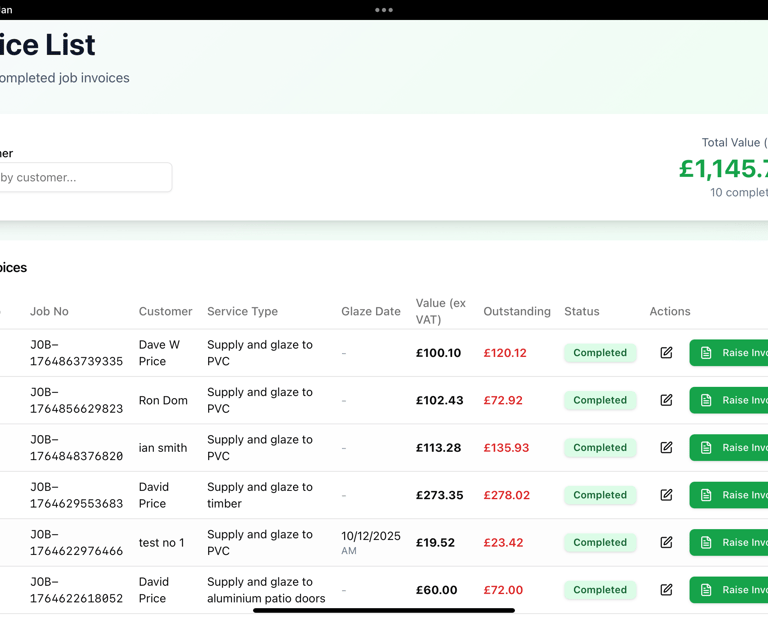
Keep tabs on every job and when it's been completed by a glazier simply click the invoice button to raise an invoice to the client. This will then show the job amount, VAT, total, less deposit paid, and balance due.
Payments
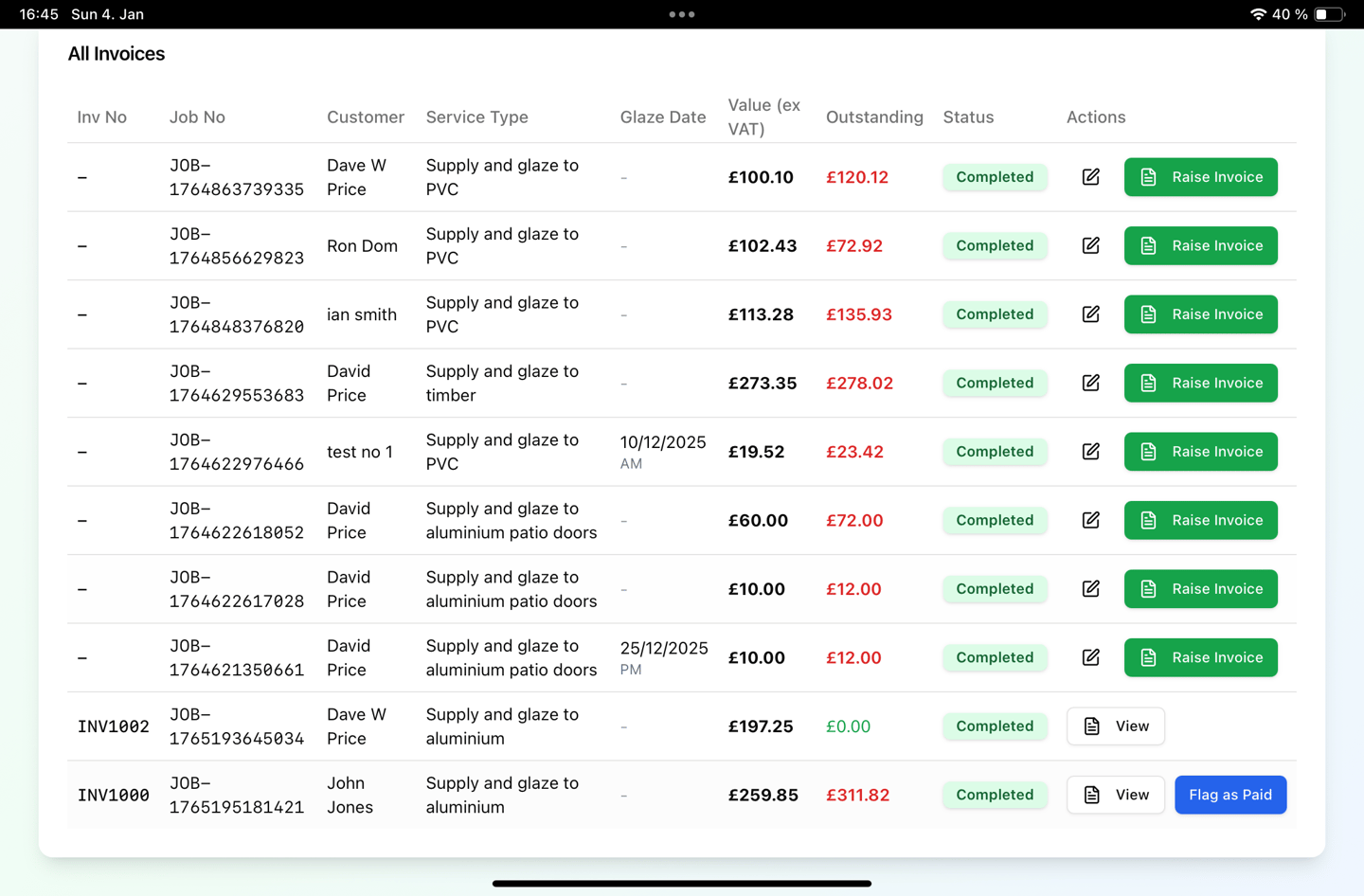
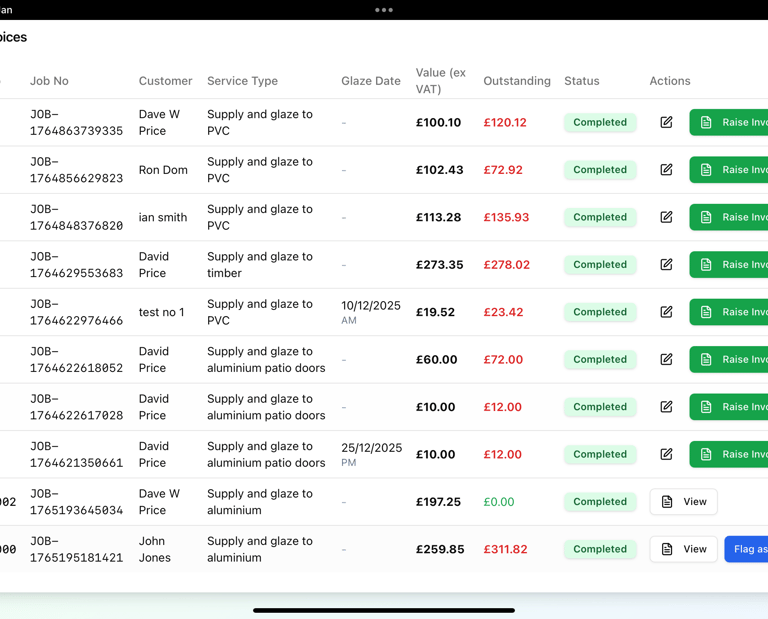
The invoice list shows all completed jobs and invoice numbers (if raised). You can then edit (if required) any completed job that is not invoiced. Raise an invoice for the job at the clck of a button and see the outstanding amounts, plus flag an invoice as paid.
Streamline your business with GlassEst
From Quote to Sale to purchase order to install to Invoice to Get paid faster
GlassEst can help glazing companies

sales@glassest.com
0333 5678 500


View our terms and contions here :